Feel it, then nudge it.
Spark finds every Config number in your game. Drag, playtest, keep.
EMBER30
--:--:--
The desktop companion that turns a messy idea into a real Roblox game inside Studio. Claude keeps your exact words, a boss splits the work across 10 specialist workers, and every step is proven before it's called done.
Spark sits next to Roblox Studio. You talk like a player. It works like a studio.
"A lava-rising round game with a tower to climb." Typos, half-ideas, a screenshot — all fine.
Asked, examples, hints and unclear bits are sorted. "Also" stays an addition. At most three sharp questions — each with a recommended answer.
Plan, contracts and lanes. Scout, coder, mapper, UI, VFX, sound and more work in parallel — one Studio turn at a time.
Nothing is "done" without evidence: check output, [CHECK] lines, Studio captures and a scripted playtest.
Each worker has a lane, the right model for its job and its own memory. The boss hands out task cards with DONE MEANS lines and won't merge without proof.
Every change ends with a verification matrix: what was verified, what needs a playtest, and what's still open. Guard hooks stop workers from editing Studio directly or committing on their own.
Spark finds every Config number in your game. Drag, playtest, keep.
Decisions, lessons and player feedback live in .spark/memory — read before every task.
First-minute audits, analytics funnels, co-play hooks — every brief carries a success check.
Beat the Builder's HUD and settings, Momentum's skill tree — cut straight out of Roblox Studio.
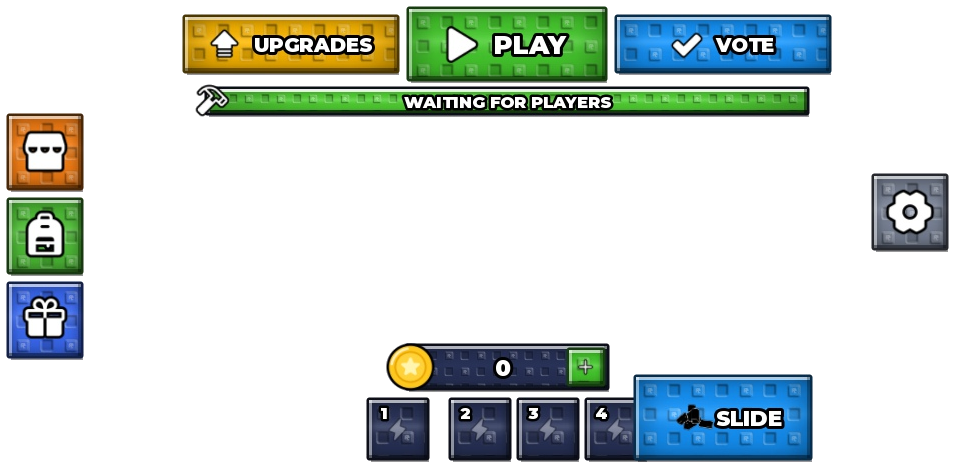
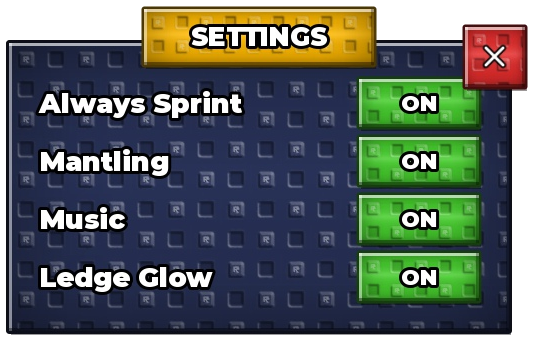
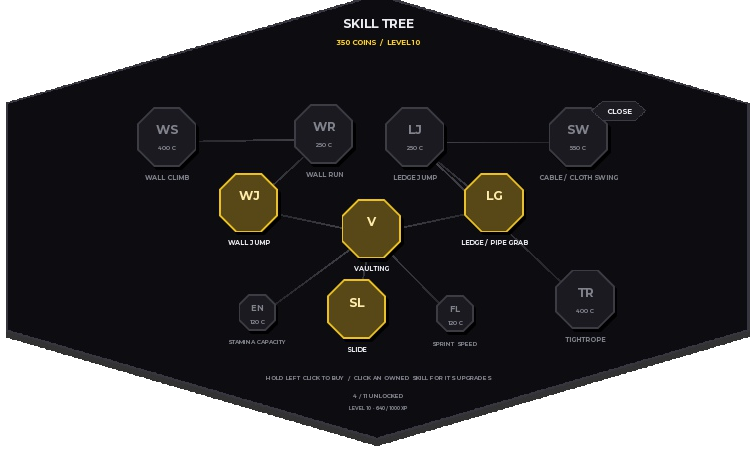 BEAT THE BUILDER
Change the look by asking. Presets, fonts, motion — and pixels that hug your buttons, like this page.
Spark uses your own Claude account. No credits to babysit.
This is the real Spark window, rebuilt for the web. Click the tabs, drag the creativity blocks, flip settings — the Appearance settings even restyle this website.
These aren't mockups: the HUD and settings from Beat the Builder and the skill tree from Momentum, cut out of Roblox Studio exactly as Spark built them.
Press the spark and the panel opens right where you work. Progress follows you while the crew builds.
The latest from our YouTube, plus real Spark screens played back step by step.
Every plan runs on your own Claude account. Cancel anytime.
Spark's Setup button installs and connects everything. You only sign in to Claude when asked.
No answers match that. Try "Studio", "workers" or "refund".
Send a message and attach your .spark/work folder if a build failed — it has the plan, progress and evidence.